
September 7, 2026
What Uptime Assurance Actually Covers And What It Doesn't

Chintan Viradiya
Author

Shyam Kapdi
Contributor

Shailesh Davara
Reviewer
Most people hear “uptime assurance” and assume someone is promising a number like 99.9%, 99.99%, whatever sounds good on a contract. That’s not what this is, and selling it that way sets everyone up for a bad conversation later. This post covers what uptime assurance actually includes, what the SLA math really means, and where its limits are. No sales language, no vague promises.
What buyers usually assume “uptime assurance” means
Here’s the misconception we run into on almost every first call:
- Buyers think it’s a guarantee product. As in, “you promise us 99.9% uptime, and if you miss it, we get compensated.” That’s an SLA penalty clause, not uptime assurance.
- Buyers think it means someone else is now responsible for their uptime. It doesn’t work that way. Your infrastructure, your architecture, your team, those stay yours. What changes is the visibility and response layer around it.
- Buyers think more monitoring tools automatically mean fewer outages. Tools don’t prevent outages. Process and response time do.
Uptime assurance is a set of practices that reduce how often things break and how long it takes to notice and fix them when they do. It is not an insurance policy on your infrastructure.
What’s actually included: monitoring, alerting, incident response
Here’s what you’re actually paying for, plainly:
- Continuous monitoring setup. Every critical service, endpoint, and dependency gets tracked in real time, not just server CPU and memory, but response times, error rates, and queue depth.
- Alert routing and escalation. Alerts go to the right person, not everyone. If the first person doesn’t respond within a set window, it escalates automatically to the next one. No alert should sit unread for 20 minutes.
- Incident response process. A documented, rehearsed sequence: who gets paged, who makes the call to roll back, who communicates status to the client, and in what order. This exists before an incident, not improvised during one.
- Post-incident review. After every incident, there’s a written breakdown of what happened, why, and what changes resulted. If nothing changes after an incident, the review didn’t do its job.
What an SLA in this context realistically looks like
Percentages sound impressive until you turn them into actual minutes. Here’s the real math, per month:
| Uptime Target | Downtime Allowed Per Month |
|---|---|
| 99.9% | 43.2 minutes |
| 99.95% | 21.6 minutes |
| 99.99% | 4.32 minutes |
| 99.999% | 26 seconds |
That last row is why “five nines” gets thrown around so casually and delivered so rarely. Getting there requires redundancy at every layer, not just a monitoring dashboard.
What actually moves this number up or down:
- Architecture redundancy: Single points of failure cap your ceiling no matter how good your monitoring is. See how we built a highly redundant setup with 99.9% proven uptime in our Multi-Cloud Hosted Data Lake Case Study.
- Deployment practices: How you roll out changes (rolling deploys vs. big-bang releases) directly affects how often you cause your own outages.
- Number of external dependencies: Every third-party API or service you rely on adds risk you don’t fully control.
- On-call response time: A five-minute detection window means nothing if it takes 40 minutes for someone to act on it. This gap between alerts and action is exactly what production incidents reveal about your true system maturity.
- Team size and coverage: One on-call engineer covering three time zones is a gap, not a plan.
We won’t quote you a number before looking at these factors. Anyone who does is guessing.
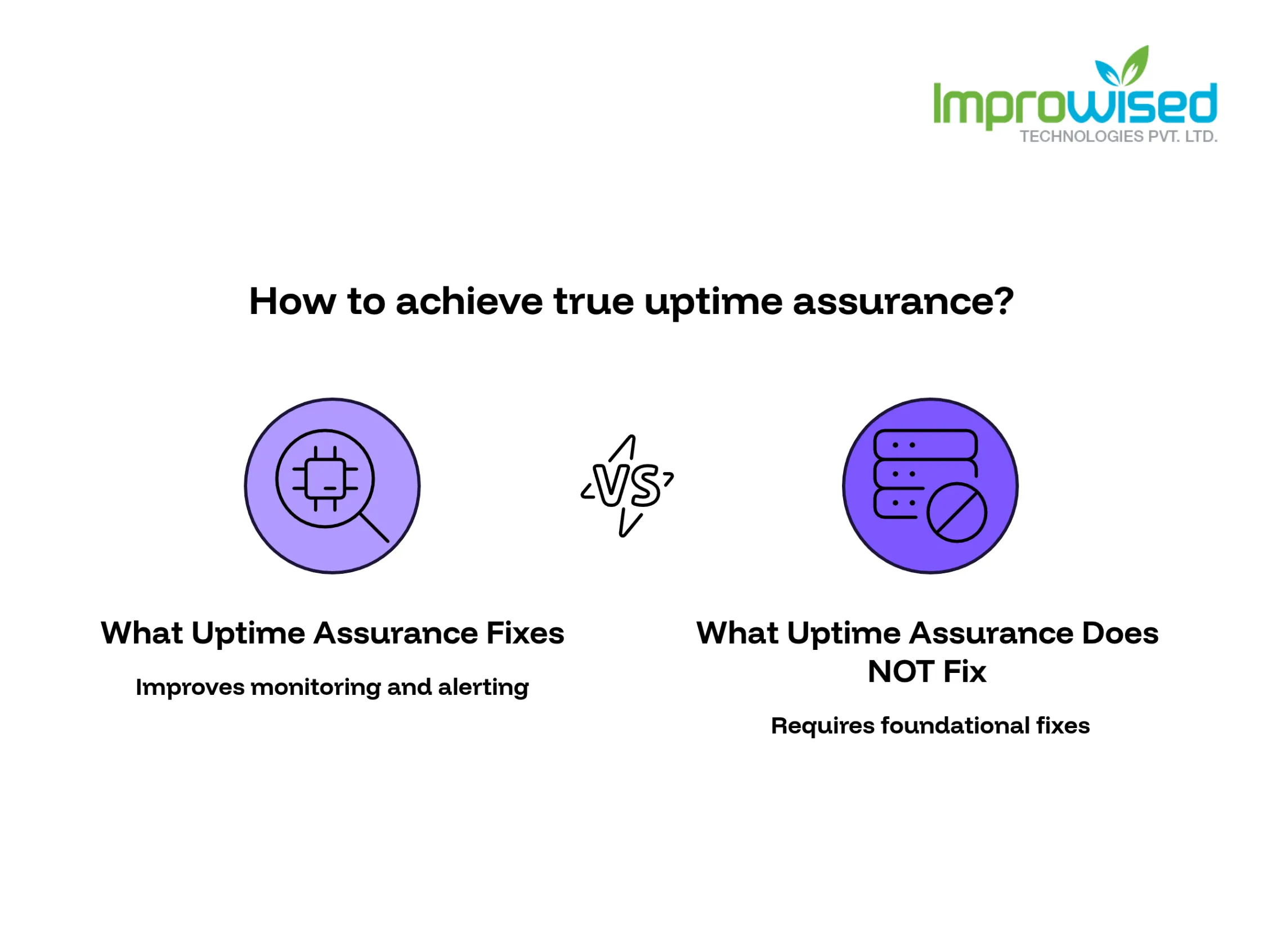
What uptime assurance does NOT fix
This is the part most vendors skip, and it’s the part that matters most:
- It does not fix bad architecture. If your system has a single database with no failover, better alerting just tells you faster that it’s down. If you suspect your setup has hidden weak spots, our Infrastructure and Architecture Review Service will map them out. It doesn’t stop it from going down.
- It does not fix undersized infrastructure. If you’re running production load on infrastructure sized for half that load, monitoring will show you the crash coming; it won’t prevent it.
- It does not replace a disaster recovery plan. Detecting an outage and recovering from a total regional failure are two different problems. If you don’t have a tested DR plan, uptime assurance will not create one for you.
- It does not fix organizational gaps. If nobody owns incident response, or if the one person who understands the system is on vacation, that’s a staffing and process problem no tool solves.
We’d rather tell you this upfront than let you find out during an outage.
How this connects to observability work already in place
If you already have observability or monitoring work in place, uptime assurance isn’t a separate, bolted-on service sitting next to it. It’s built on top of that same data.
- Observability tells you what’s happening inside your systems: logs, traces, metrics.
- Uptime assurance uses that same data to decide who gets notified, how fast, and what happens next.
If these two things are run by different teams with different tools and no shared context, you end up with alerts that don’t map to anyone’s actual response plan. The goal is one connected system, not two disconnected ones.
What we check first when a client asks for this
Before we commit to anything, here’s what gets reviewed:
- Current architecture — where the single points of failure actually are, not where you think they are.
- Existing monitoring coverage — what’s already being tracked, and what critical gaps exist.
- Past incident history — the last 6–12 months of outages, what caused them, and how long each took to resolve.
- On-call setup — who’s covering what, when, and whether escalation paths actually work when tested.
- Disaster recovery status — whether a DR plan exists, and if it’s ever actually been tested.
This audit takes time because guessing at a number before this work is done isn’t useful to either of us. You can get a head start on this process by running your current setup through our free Platform Engineering Maturity Assessment.
Contact us and tell us your current uptime numbers; we’ll tell you what’s realistic to improve and what it takes.
Related reading:
Frequently Asked Question
Get quick answers to common queries. Explore our FAQs for helpful insights and solutions.
It's a combination of continuous monitoring, alert routing, incident response, and post-incident review designed to reduce how often systems fail and how fast issues get caught and fixed. It's not a guarantee that outages won't happen.
No. An SLA is a contract term that defines an uptime target and what happens if it's missed. Uptime assurance is the operational work, monitoring, alerting, and response that makes hitting that target realistic in the first place.
99.9% uptime allows for about 43.2 minutes of downtime per month. 99.99% allows for about 4.32 minutes. The more nines you add, the more redundancy and process it takes to get there.
It can catch and resolve issues faster, but if the outages are caused by architecture problems, undersized infrastructure, or missing redundancy, those need to be fixed directly. Better monitoring won't fix a structural problem.
No, but if you already have observability or monitoring in place, it gets used as the foundation instead of starting from zero. If you don't have one, that gets built as part of the process.
That depends on the initial audit architecture review, incident history, and current monitoring coverage. Most clients get a realistic number after that review, not before it.
Written by
Chintan Viradiya
Chintan Viradiya is a DevOps Engineer at Improwised Technologies. Passionate about Infrastructure as Code and CI/CD pipelines, he focuses on optimizing cloud deployments and enhancing the security and performance of modern applications. He plays a key role in ensuring high availability and driving DevOps best practices across projects


September 1, 2026
What FluxCD Actually Does, and When to Use It Instead of Jenkins
Hussain Gandhi
Author

August 27, 2026
Jira to Asana Migration: A Practical Checklist for Engineering Teams
Brij Mandaliya
Author

August 25, 2026
Open Source AI Models Are Ready. Is Your Team?
Chandan Teekinavar
Author

Optimize Your Cloud. Cut Costs. Accelerate Performance.
Struggling with slow deployments and rising cloud costs?
Our platform engineering solutions are built on open-source tools and use AI natively across the workflow.